15 Cats Per Second (Realtime Diffusion at Dell)
Stable Diffusion running on a live camera feed at 15 frames a second, or as we pitched it on stage, 15 cats per second. TouchDesigner, three kinds of camera, and a LoRA trained on 60,000 selfies.
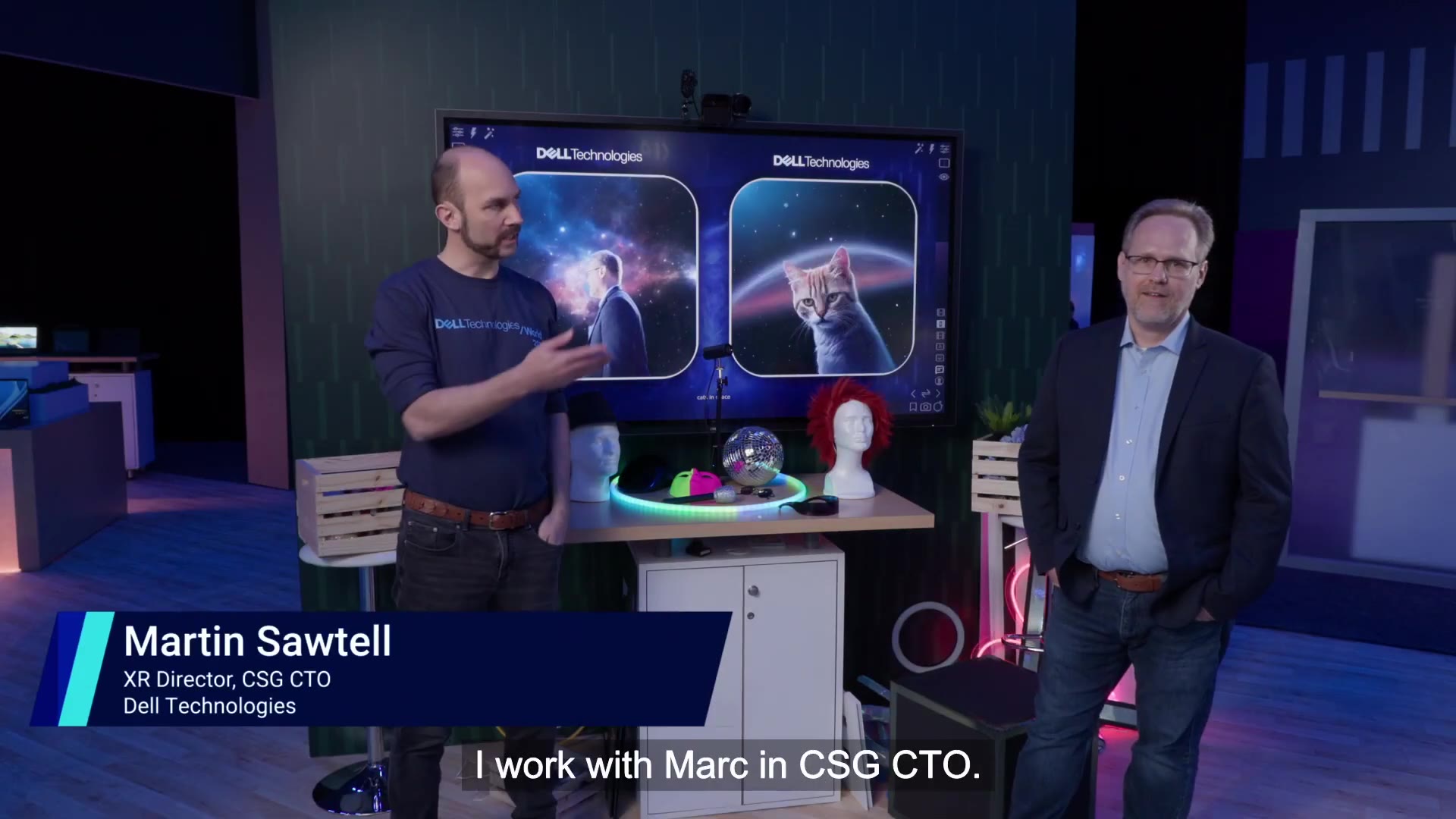
Image generation with AI normally goes: type a prompt, wait a bit, see how it went. This project was about deleting the wait. Point a camera at someone, restyle the feed with Stable Diffusion at around 15 frames a second, and hand the controls to whoever’s standing in front of it. We measured throughput in cats per second, because the first thing anyone asks for is cats.
Below is the official video from Dell Technologies World 2024. Mark Hammond, Senior Distinguished Engineer in our CTO office, co-presents and is also the guinea pig, being turned into a cat live:
https://www.youtube.com/watch?v=Tk03rspo4N0
The rig
My background is visual effects, and the software this is built with comes from that world, so the whole thing was a bit of a homecoming. TouchDesigner end to end. On the input side there’s a camera tree: a visible light camera, an infrared camera with its own light source sitting next to it, and a thermal camera. Any of them can drive the pipeline, and a background video can be composited in behind the live feed. That composite runs through an edge filter to build a Canny control image, and the lot feeds DotSimulate’s StreamDiffusionTD component, which wraps the StreamDiffusion pipeline inside TouchDesigner: prompt blocks, denoise schedule, seed, all exposed as parameters. I mapped the controls onto touchscreens so the demo can be driven in front of a live audience without anyone ever seeing a keyboard. NVIDIA’s background removal (it ships with TouchDesigner) handles putting space behind people when the prompt calls for it. All of it runs on a single Precision workstation with an RTX 6000 Ada, which is more than enough horsepower for the job.
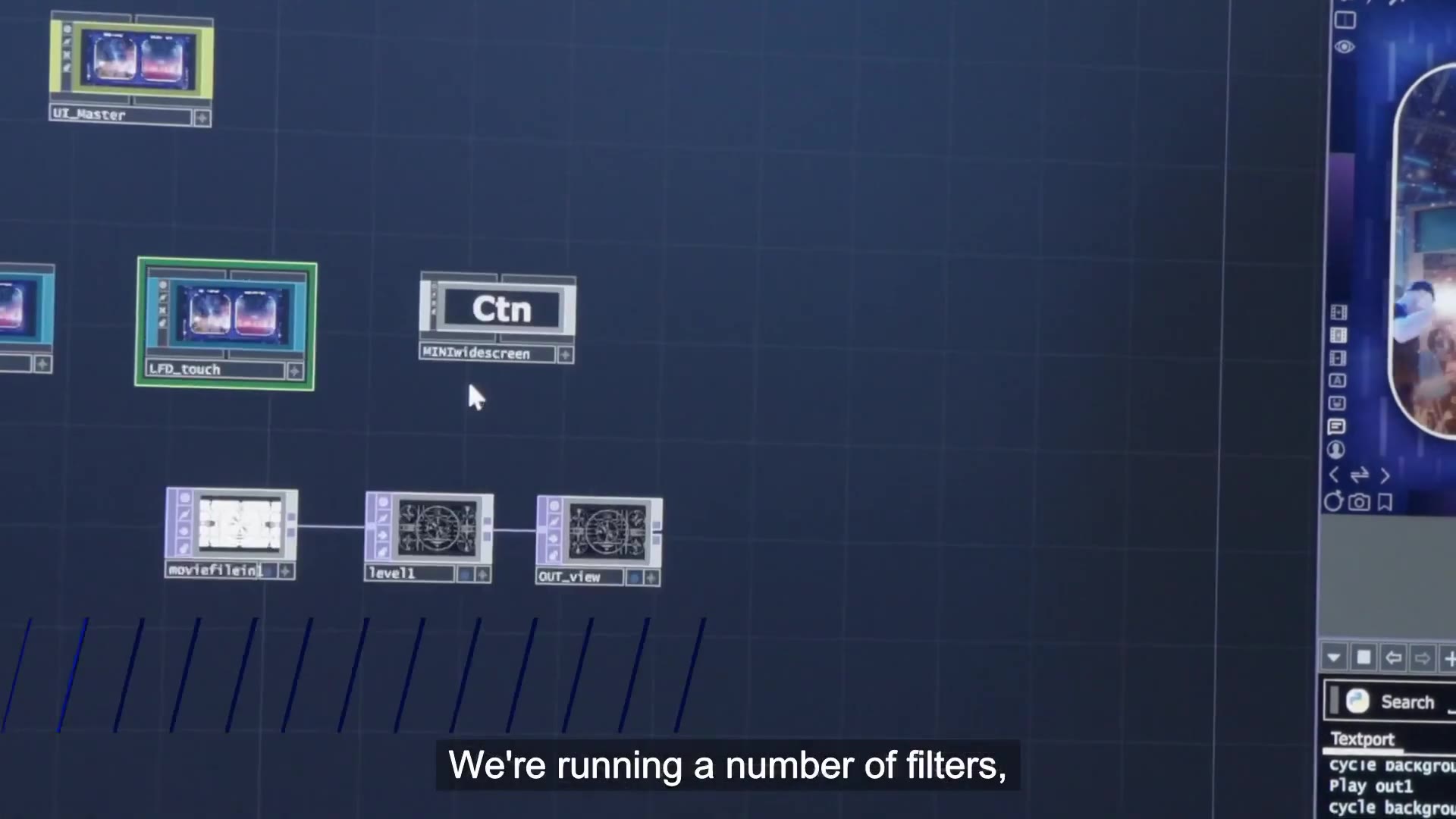
The ControlNet weight slider turned out to be the best teaching tool in the rig. Drag it to zero and push the AI way up and you’re looking at the raw latent space of the model, which is exactly as fruity as it sounds. Crank it to full and you get artifacts. Everything interesting lives in the middle, where the model is tracking you but still has room to hallucinate.
The odd cameras earn their keep too. For the infrared feed I put retroreflective squares into picture frames the audience can hold up, wear, or intersect with each other, and the geometry reads all the way from the back of the room, so people can mess with the image without touching a control. The thermal camera mostly runs a dancing skeletons prompt, and if you route the model’s output back into itself as input you get a feedback mode that turns whoever’s on camera into slowly boiling abstract blobs. Good fun.
Making it look like me
A generic prompt like man in office gets you a nondescript character. To actually pin identity down I trained a LoRA: I took every selfie and short motion clip on my iPhone, dumped the video frames out, and ended up with about 60,000 images of my own head to train on. Load that into the pipeline and the output looks like me even with the AI pushed way up. Push it really hard and the training set itself starts leaking through, photos that were taken in my house start to make the environment eerily reminiscent of my home.
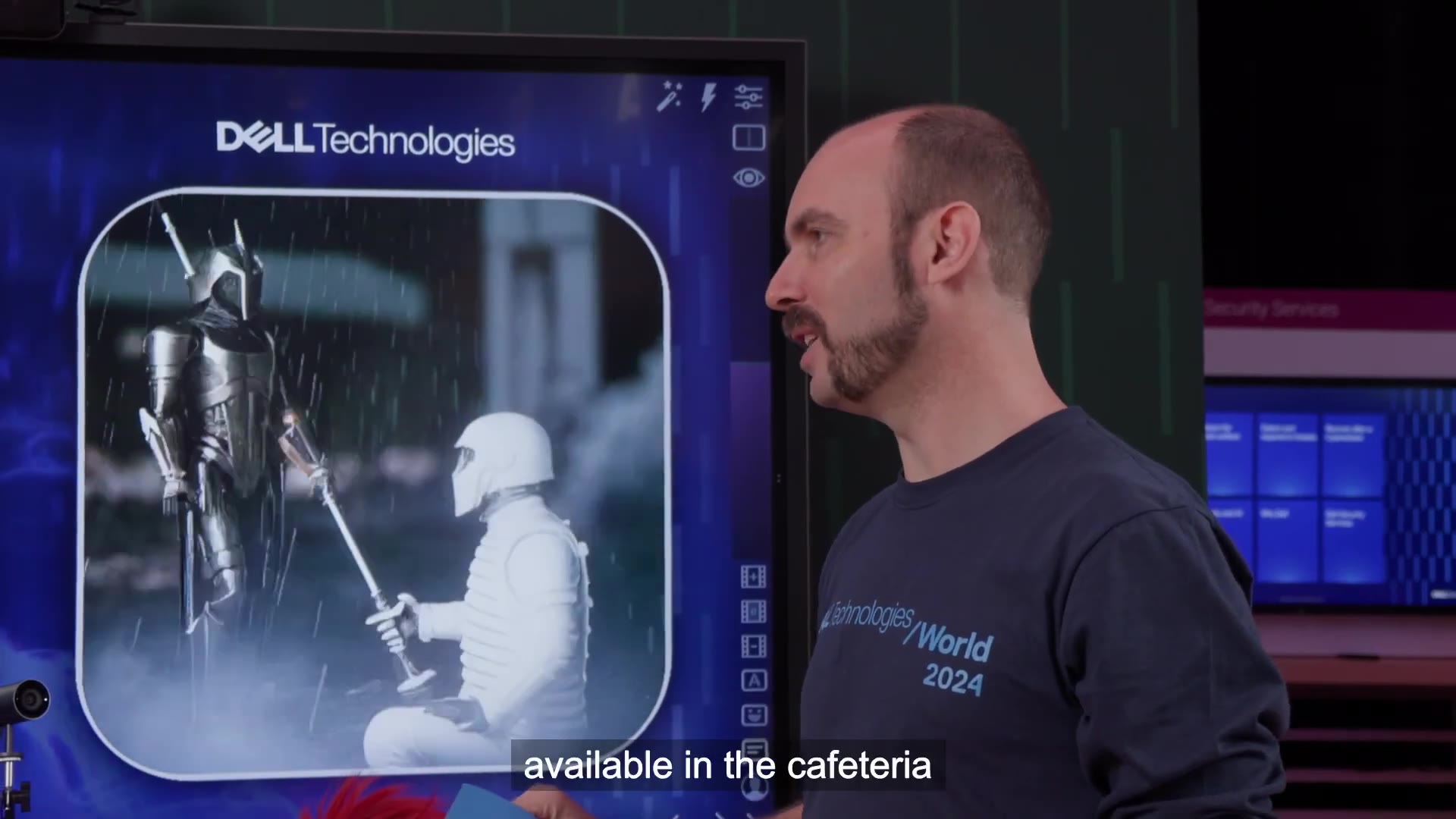
The fun side effect is that the LoRA doesn’t care who’s actually on camera, so I can turn anybody into me. Feed it a video of two guys having a debate and both of them gradually become Martin. I can also now be a DJ playing smooth techno in Berlin, as you do.
Where it went
The demo did the rounds: CES press tour, SIGGRAPH, GTC, and the MIT Media Lab. I co-presented a GTC session in March 2024 on AI in design workflows, and the Dell Technologies World appearance is the video above. Between shows it lived on in the Dell cafeteria and customer briefing centers as a standing experiment with an open invitation to come and play, a deliberate nod to the idea of play as a form of unstructured research. The system ended up contributing to a President’s Award for the team, which was a nice outcome for something that started as mucking around with cat prompts.
MIT, and Best Presentation
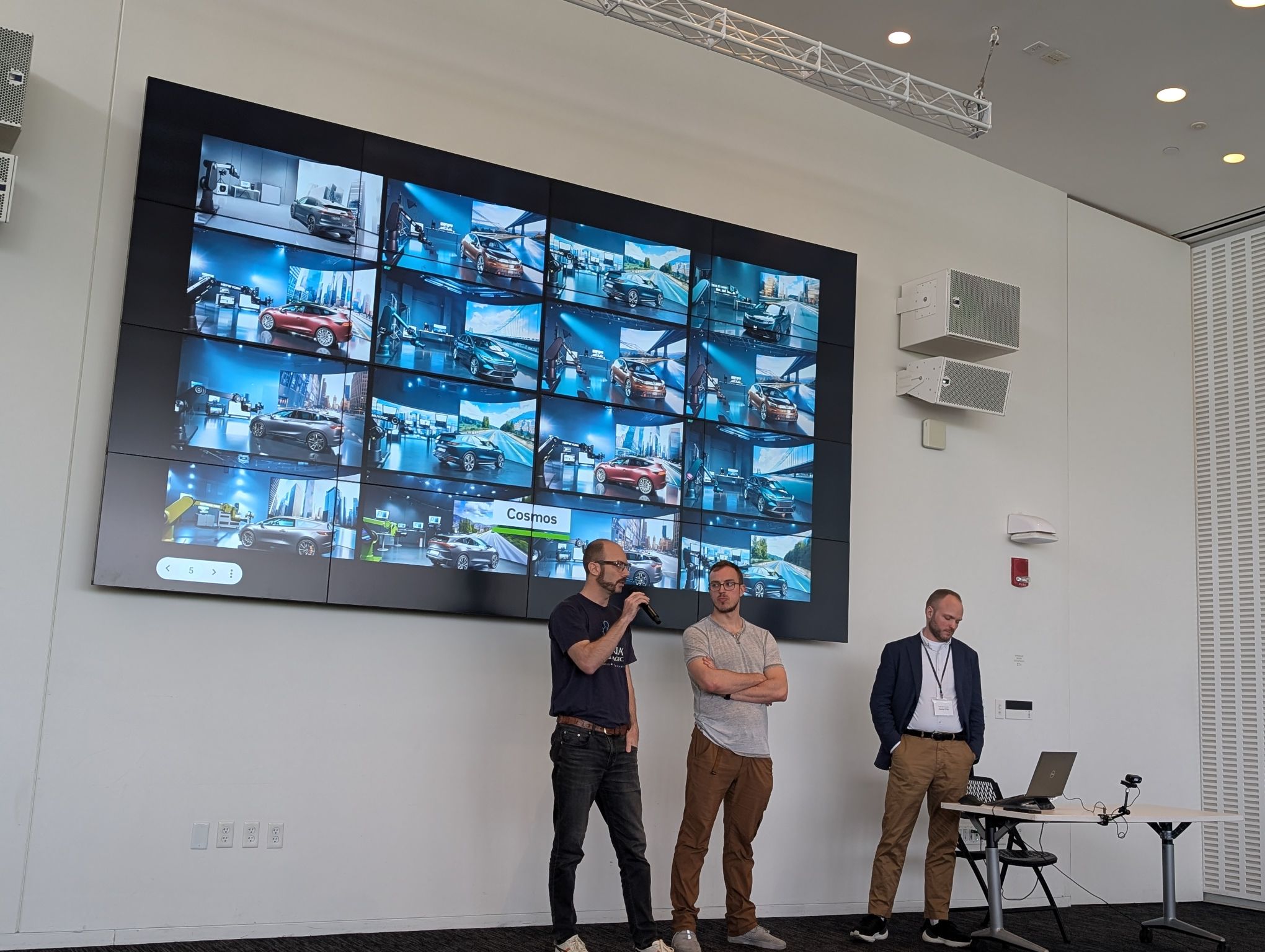
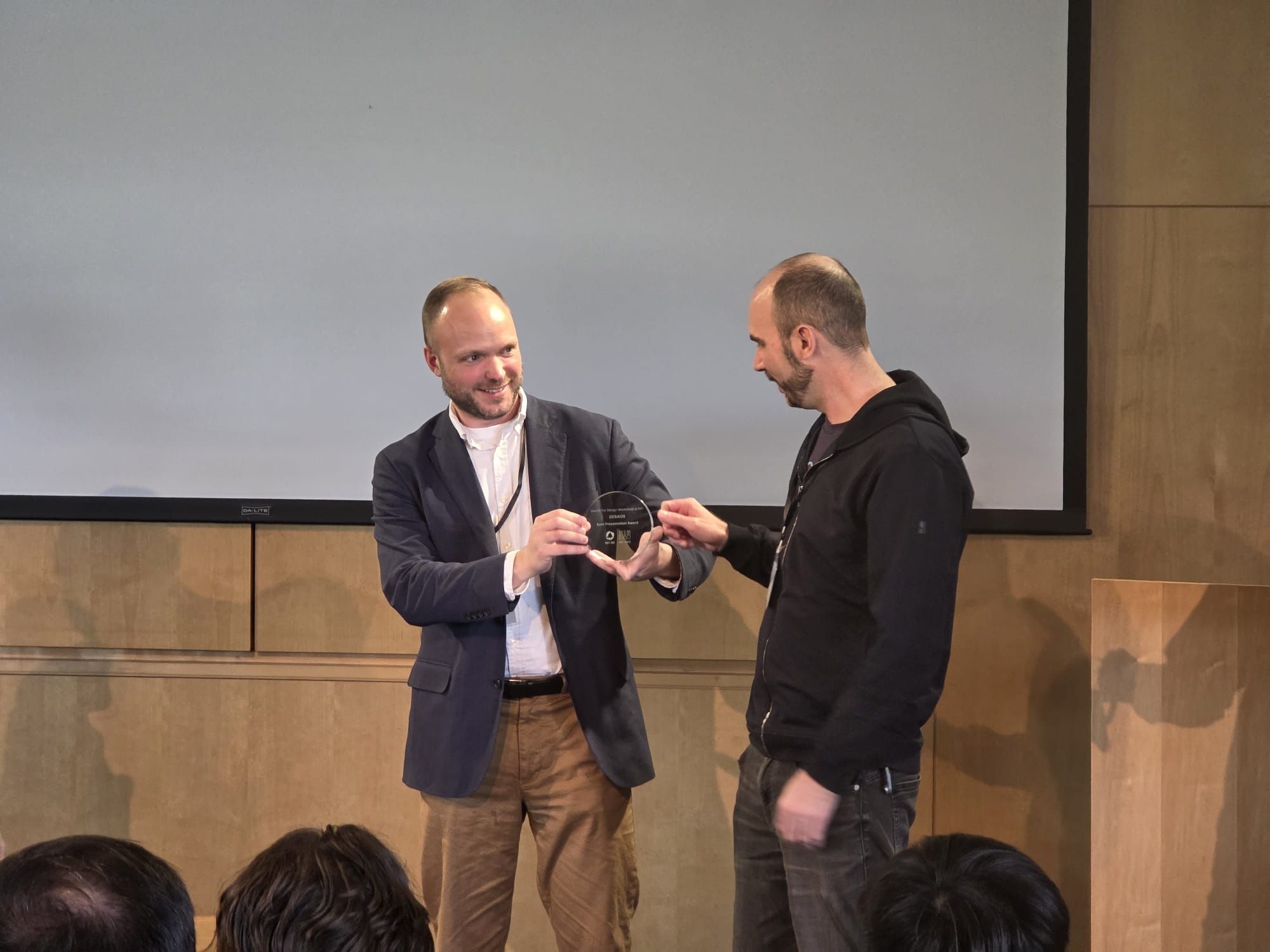
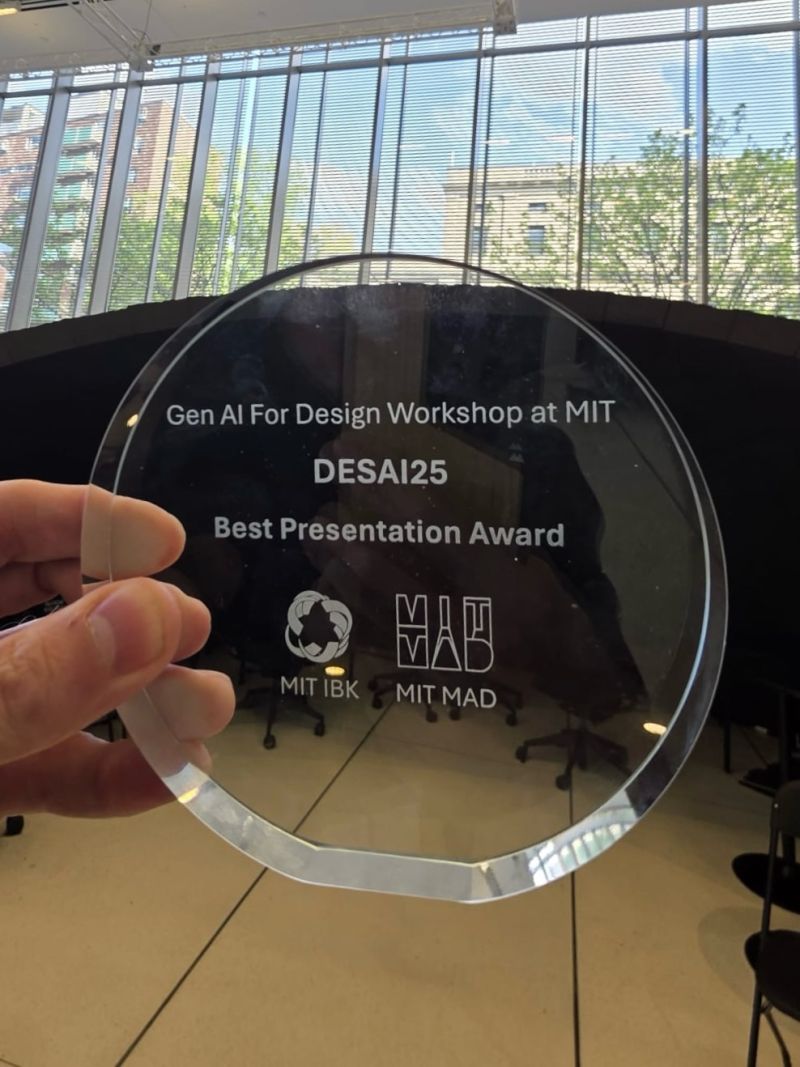
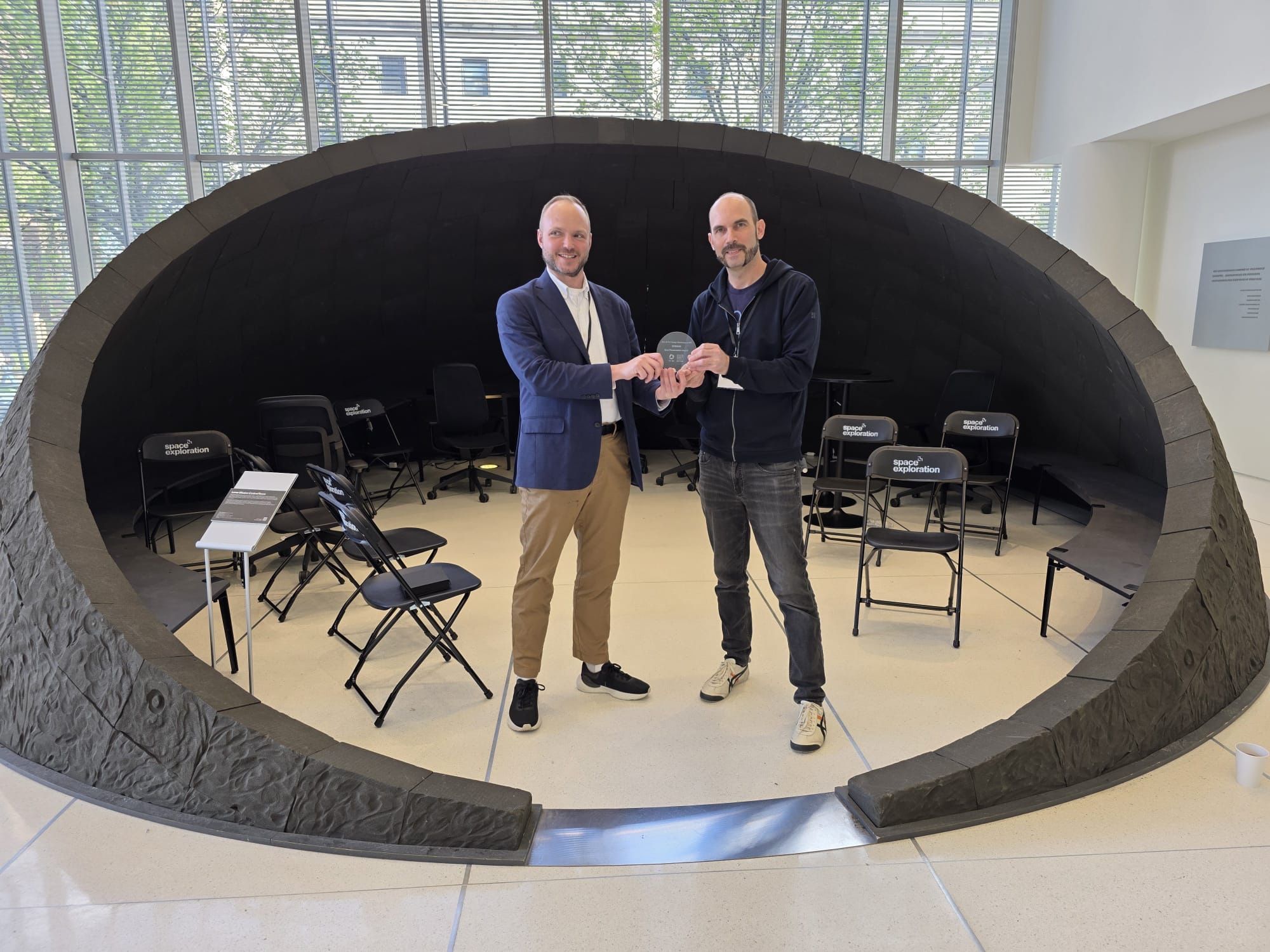
In May 2025 the work got its academic outing: a paper called Real-Time Stable Diffusion for Virtual Production Workflows, presented at DESAI25, the Generative AI for Design workshop run by MIT MAD and MIT IBK at the MIT Media Lab, alongside Daniel Pillis (Emerson College, Media Lab research affiliate) and Phil Cherner (Media Lab). This was the virtual production version of the system: realtime diffusion driving a 2240x1440 LED volume at 1.9mm pixel pitch, pointed at AI-assisted set design, in-camera VFX and virtual environment prototyping. Many thanks to Daniel and Phil for the awesome collaboration!
We won Best Presentation.
Where does realtime diffusion go from here? Honestly, no idea. It changes every month, and that’s the appeal. Point a camera at someone, hand them the prompt bar, and watch what they do with it.